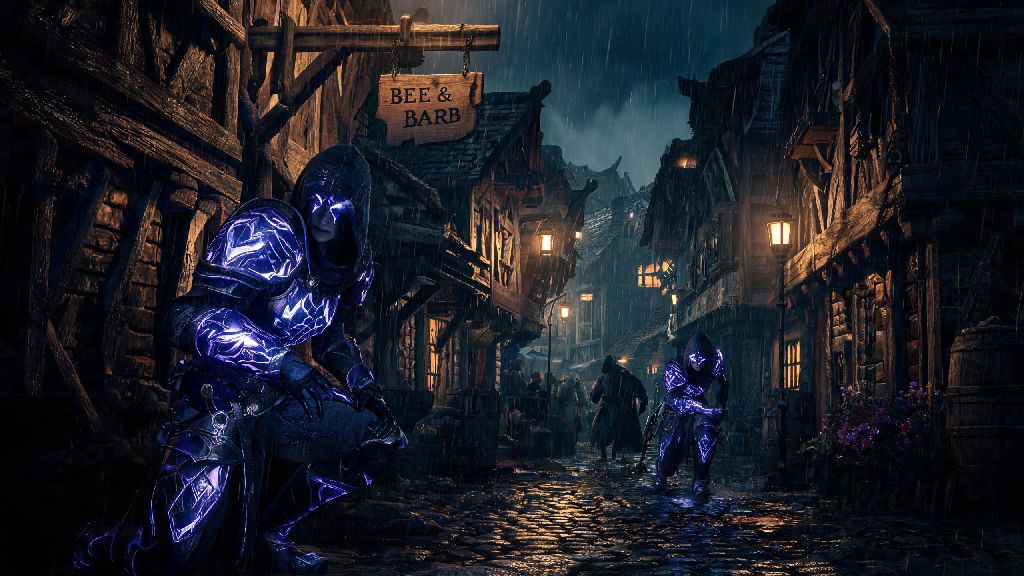
You’re running through a misty Swamp Realm with your crew, you just took down a towering Bound brute before it could destroy your base, and you want to celebrate without fumbling to type a message mid-loot run. That’s where knowing how to emote in Nightingale comes in handy. I’ve logged over 120 hours in the game across solo, co-op, and public Realm runs, so I’ve tested every emote shortcut, unlock method, and workaround to make this guide as straightforward as possible. Emotes aren’t just for fun, either—they can help you coordinate when voice chat cuts out, or signal to random players you’re friendly instead of looking for a fight.
How to Emote in Nightingale: Default Controls for PC and Console
The default emote controls are simple once you know where to look, even if the game never explicitly walks you through them when you first start. For PC players, hold down the T key to pull up your circular emote wheel, hover over the emote you want to use with your mouse, and release the T key to activate it. You can also bind quick emotes to the 1-4 keys in your settings if you want to use your most common emotes without opening the wheel at all.
For console players, the default control is holding up on the D-pad to open the emote wheel, then using the right stick to select your desired emote before releasing the D-pad. You can rebind both the emote wheel and quick emote controls any time in the Settings menu under the Social tab, if the default setup clashes with your other keybinds. If you’re in active combat, the emote wheel will be disabled temporarily to prevent you from accidentally pulling it up when you’re trying to drink a healing potion or swap weapons.
When you first create your character, you’ll only have three default emotes unlocked: Wave, Cheer, and Sigh. Don’t worry if your emote wheel looks empty at first, you can unlock dozens more as you explore the Fae Realms.
How to Unlock New Emotes in the Fae Realms
You don’t have to stick to the three basic emotes forever. There are dozens of unique emotes scattered across the Realms, from silly dances to useful coordination gestures, and most are fairly easy to unlock even for new players. You can get new emotes through these four main methods:
- Complete Fae NPC side quests: Many friendly wandering Fae will offer rare emotes as rewards for helping them gather materials, clear nearby Bound camps, or deliver messages to other NPCs across the Realms.
- Purchase from the Realm Wanderer merchant: This rotating merchant appears in major settlement hubs every 48 in-game hours, and sells 2-3 exclusive emotes for Essence each time they spawn.
- Earn from seasonal event challenges: Limited-time events like the Midsummer Fae Festival have challenge tracks that give unique, untradeable emotes for clearing specific tasks like gathering 100 glowshrooms or defeating 25 Bound enemies.
- Find in hidden Fae chests: Rare ornate chests in high-level Deep Realms have a small chance to drop legendary emotes that aren’t available anywhere else in the game.
The easiest emotes to unlock early on are the Laugh and Point emotes, both available from the first Fae NPC you meet in the starting Realm after you build your first basic shelter. The Point emote is especially useful for groups, because you can mark resources or enemy locations without typing out coordinates for your team. Emotes are account-wide, so any you unlock on one character will be available for all other characters on your account, no need to re-grind them if you start a new playthrough.
A common mistake new players make is selling emote unlocks they get from chests for quick Essence. Don’t do that—most of these rare emotes can’t be bought back later, even from the Realm Wanderer merchant, and you’ll likely regret letting them go later.
Creative Ways to Use Emotes During Gameplay
Emotes are way more useful than just for silly moments with friends, even if that’s the most fun way to use them. If you run into a random player in a public Realm, waving first is a universal sign you’re not looking to fight, which can stop a lot of unnecessary PvP scuffles before they start. I’ve made multiple regular playmates just by waving at someone who was gathering the same rare moonthistle patch as me, instead of pulling out my axe to scare them off.
For groups playing without voice chat, emotes are a vital coordination tool. You can use the Point emote to mark hidden enemies or rare resource veins, the Stop emote to tell your team to hold back before a tough boss fight, and the Cheer emote to signal it’s safe to move forward. That’s way faster than typing, especially when you’re in a high-level Realm where even a few seconds of distraction can get your whole team wiped.
Plenty of players also love hosting roleplay events in their custom private Realms, and emotes make those interactions feel way more immersive. You can greet visitors at your settlement gate with a wave, toast to a successful hunt with the Drink emote, or even put on a little dance performance for your friends at your base’s tavern. You can use emotes while sitting or standing on mounts too, which makes for some really fun screenshot opportunities if you’re into capturing your best game moments.
Even solo players can get use out of emotes. Some friendly Fae NPCs will give you small Essence bonuses if you emote back to them when they greet you. I once got 500 Essence just for waving at a wandering Fae tailor, which was enough to buy a new high-level crafting recipe I’d been saving up for for weeks.
Troubleshooting Common Emote Issues
Even if you know the controls, you might run into issues with emotes not working from time to time. The most common problem is the emote wheel not opening at all when you press the right key. If that happens, first check that you don’t have an item drawn in your hands—if you’re holding a weapon, tool, or crafting material, you’ll need to put it away by pressing Q on PC or Square/X on console before you can emote.
If your emote wheel is still not opening after you put away your items, check your control bindings to make sure the emote wheel key hasn’t been accidentally unbound during a recent game update. Patches sometimes reset custom control settings, so it’s worth double-checking if something stops working out of nowhere.
Another common issue is emotes cutting off halfway through or not playing at all. That usually happens if you’re standing on a sloped surface or too close to a wall, furniture, or other object. Just move to a flat, open spot and try again, and the emote should play normally. If you’ve unlocked new emotes but they aren’t showing up in your wheel, you need to add them manually first. Head to the Customization menu from your character screen, select Emotes, and drag the emotes you want to use from your inventory to the empty slots on your emote wheel. You can have up to 8 emotes saved to your wheel at one time, so swap them out depending on if you’re playing with friends, exploring solo, or attending a roleplay event.
If you lost an emote you earned from a seasonal event after the event ended, that’s a known bug the devs are currently working to fix. You can submit a support ticket with proof of the unlock, like a screenshot of you using the emote or your challenge track progress, and they’ll restore it to your account within 72 hours.
At the end of the day, learning how to emote in Nightingale is a small skill that makes a huge difference in how much you enjoy the game, whether you’re playing with long-time friends or meeting new people in public Realms. You don’t need to unlock every single emote to have fun, even the default three are enough to coordinate, make friends, and add a little personality to your Fae Realm adventures. Next time you take down a tough boss or find a rare resource you’ve been searching for for hours, skip typing out a message and use an emote instead, you might be surprised how much more memorable that moment feels.